Welcome to Radial
Stop repeating yourself. You repeat the same tasks over and over again. One gesture should be enough. Radial turns any repetitive task into a single action you can trigger instantly. No memorizing shortcuts. No breaking your flow.
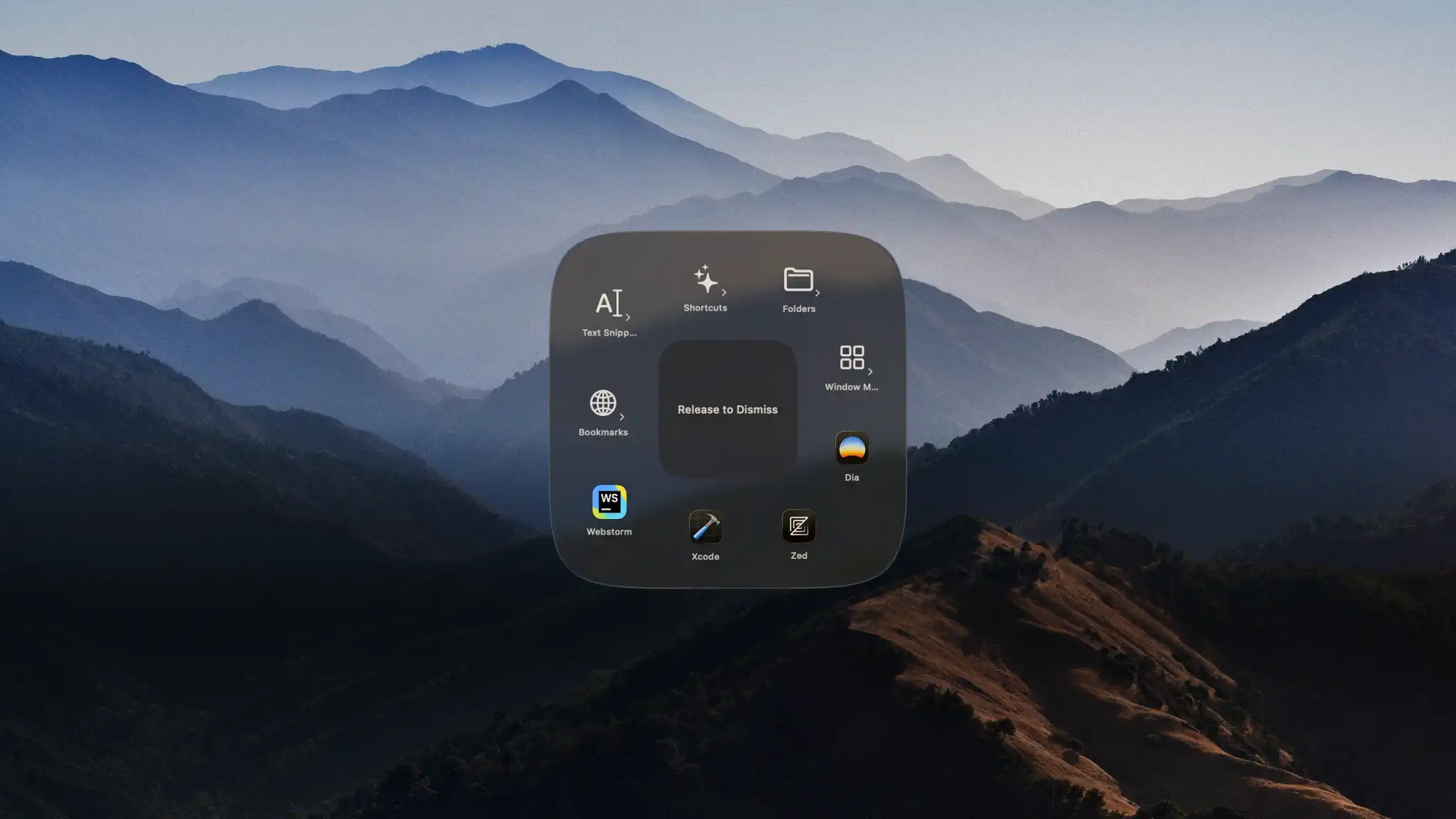
What is Radial?
Radial is a macOS productivity tool that lets you create custom macros and trigger them with a single gesture from a pie menu. The menu appears right at your cursor, so you never have to break your workflow to hunt through menus or remember complex keyboard shortcuts.
Key Features
Appears at your cursor — The menu shows up right where you're working. Pick an action with minimal mouse movement.
One gesture, multiple steps — Chain together commands into a single action. Your 7-step workflow becomes one reliable gesture.
Context aware — Different actions for different apps. Only see what's relevant to what you're doing.
Who is Radial for?
Radial works for anyone who performs repetitive tasks on macOS:
- Creatives — Automate export routines, color presets, and batch operations in Photoshop, Illustrator, or Figma
- Developers — Run build scripts, open project folders, and execute terminal commands instantly
- Video Editors — Apply effect sequences, export with preset settings, and batch process files
- Everyone else — Launch apps, organize files, insert text snippets, and more
If you can describe a repeated task as a short sequence of steps, it can become an action in Radial.
Quick Start
Ready to get started? Here's what you need to know:
- System Requirements — macOS 15 or later
- Price — €19.99 one-time purchase
- Free Trial — 7 days, no credit card required
Download Radial and start automating your workflow today.
Next Steps
- Install Radial to get up and running
- Create your first shortcut in minutes
- Explore community presets for instant productivity