Installation
Getting Radial up and running takes just a few minutes.
System Requirements
- macOS 15 or later
- At least 15 MB of disk space
Download and Install
-
Download the app — Visit radial.appverge.net/download and download the DMG file
-
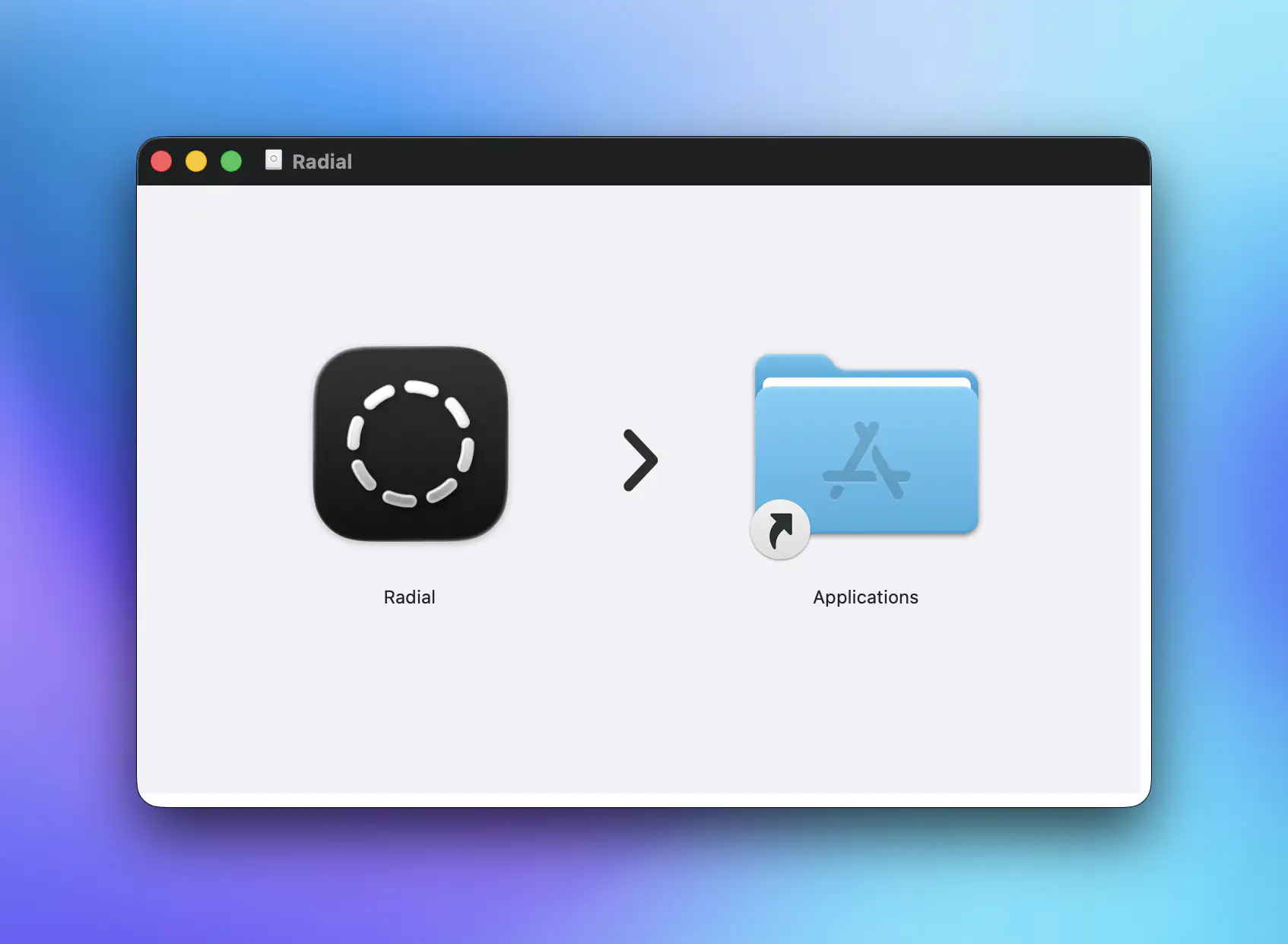
Open the DMG — Double-click the downloaded file to mount it
-
Move to Applications — Drag Radial to your Applications folder
-
Launch Radial — Open Radial from your Applications folder or Spotlight
Start Your Free Trial
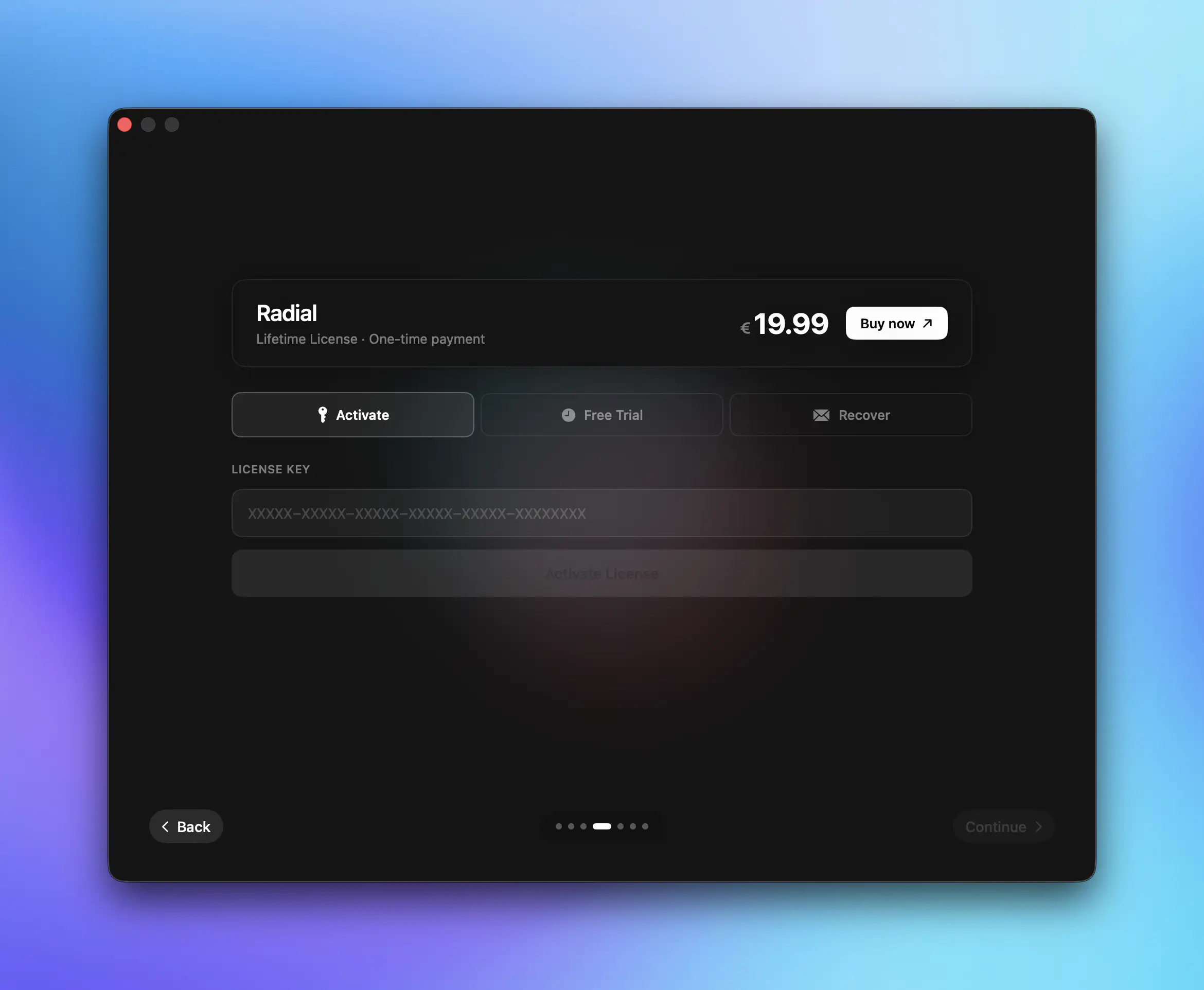
When you first launch Radial, you'll see the onboarding screen. Radial costs €19.99 for a lifetime license, but you can try it for free for 7 days.
- Click Start Free Trial on the license page
- No credit card required
- Full access to all features for 7 days
Permissions
Radial needs certain permissions to function properly:
- Accessibility — Required to trigger macros and simulate keyboard shortcuts
macOS will prompt you to grant these permissions when you first launch the app. If you need to adjust them later, go to System Settings > Privacy & Security.
Next Steps
Now that Radial is installed: