
Use cases
There's a shortcut for that.
Real things people do every day. Each one made easy using Radial.

Morning workspace
One gesture opens Mail, Safari, and Notes, then tiles each window into position. Your entire morning setup in two seconds.
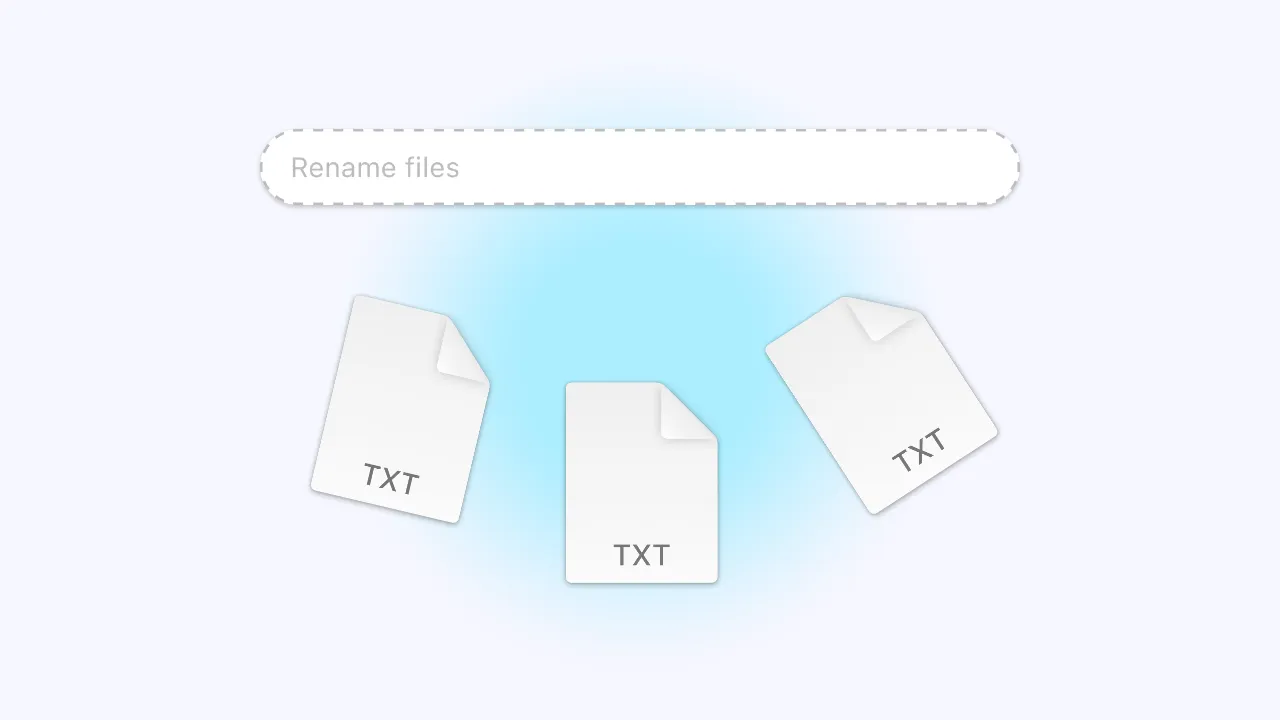
Batch rename files
Select multiple files in Finder and rename them all at once. Add a prefix, suffix, date, or custom format instantly.
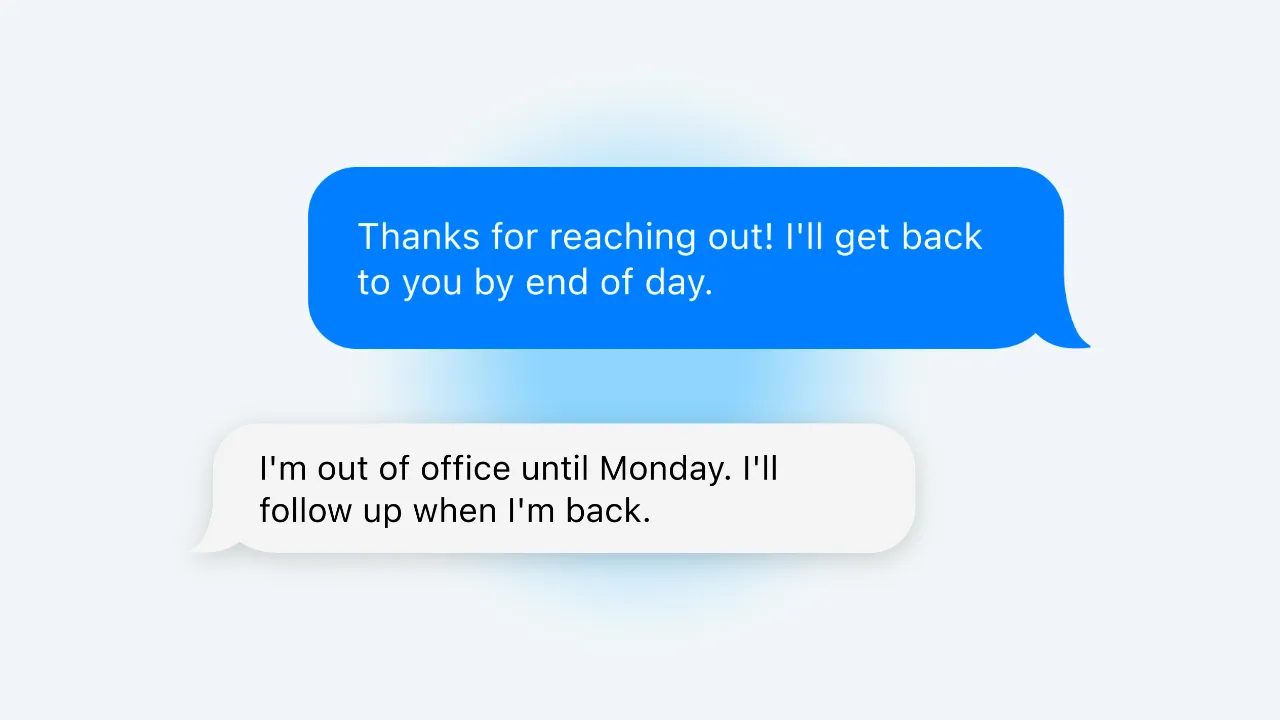
Quick email replies
Save your most-used replies as snippets and insert them into any mail or messages app, and access them instantly from Radial. The text you type ten times a day is now a single gesture away.
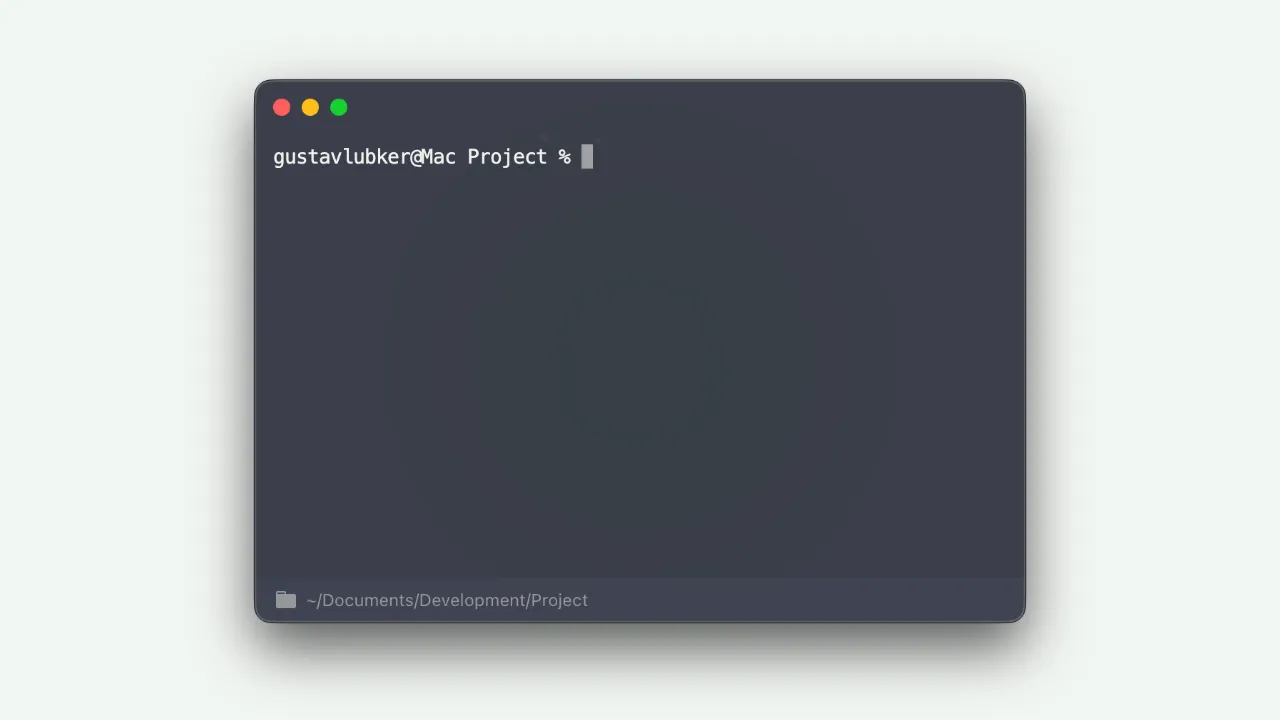
Open Terminal here
Browsing a folder in Finder? One gesture opens Terminal at that exact path. No dragging or 'cd' commands required.
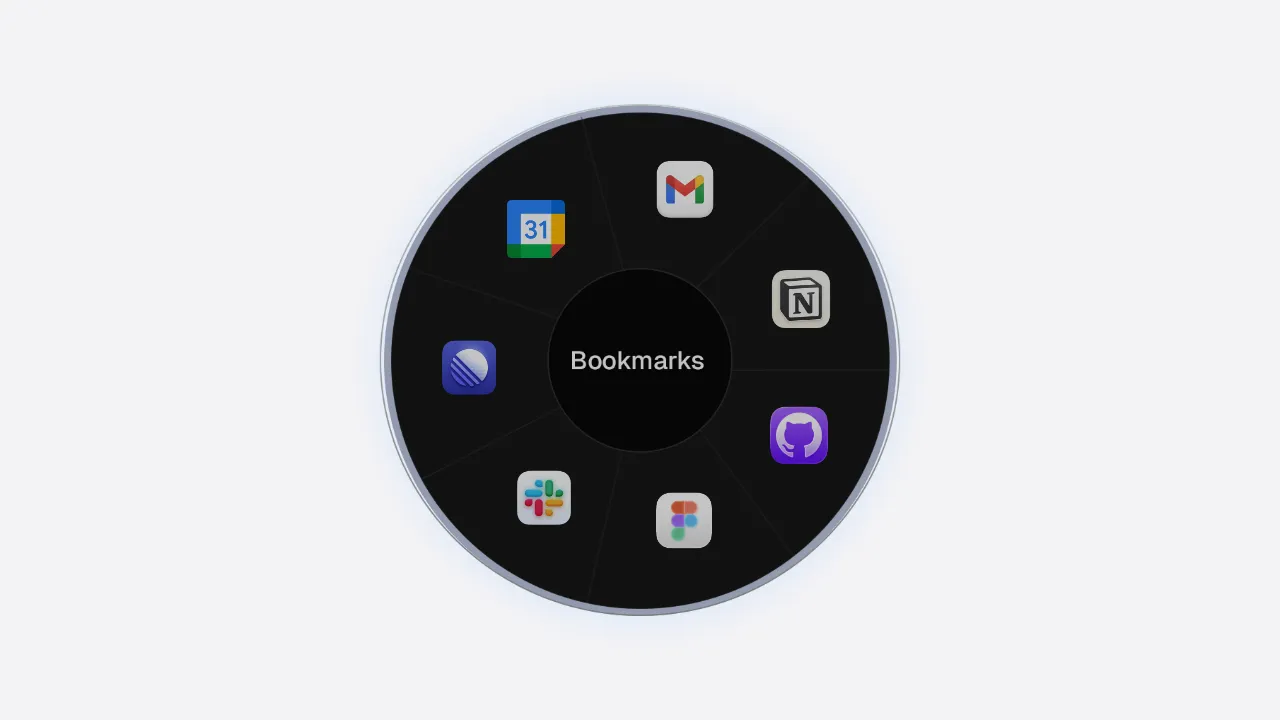
Bookmarks
Need instant access to frequently used websites, files, and apps? Just add them to your Radial menu for easy access.
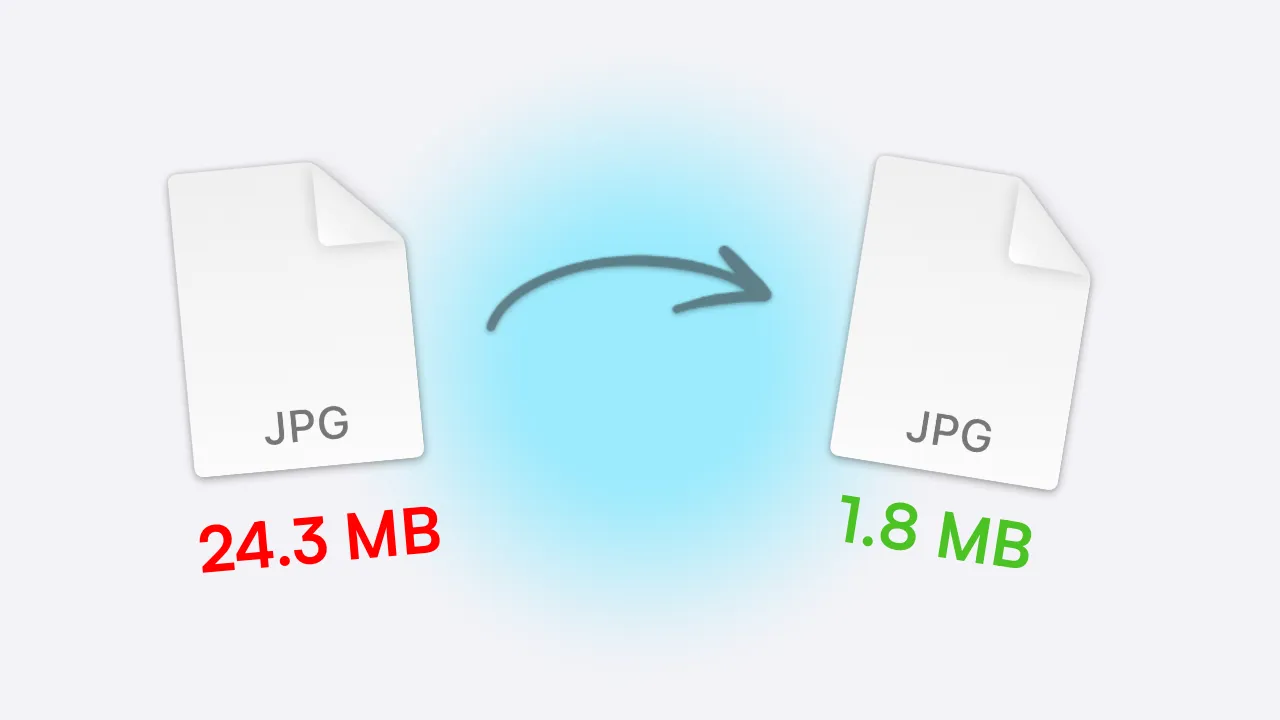
Compress images
Compress large files with one click. Select files in Finder and pick the action from Radial. Done.
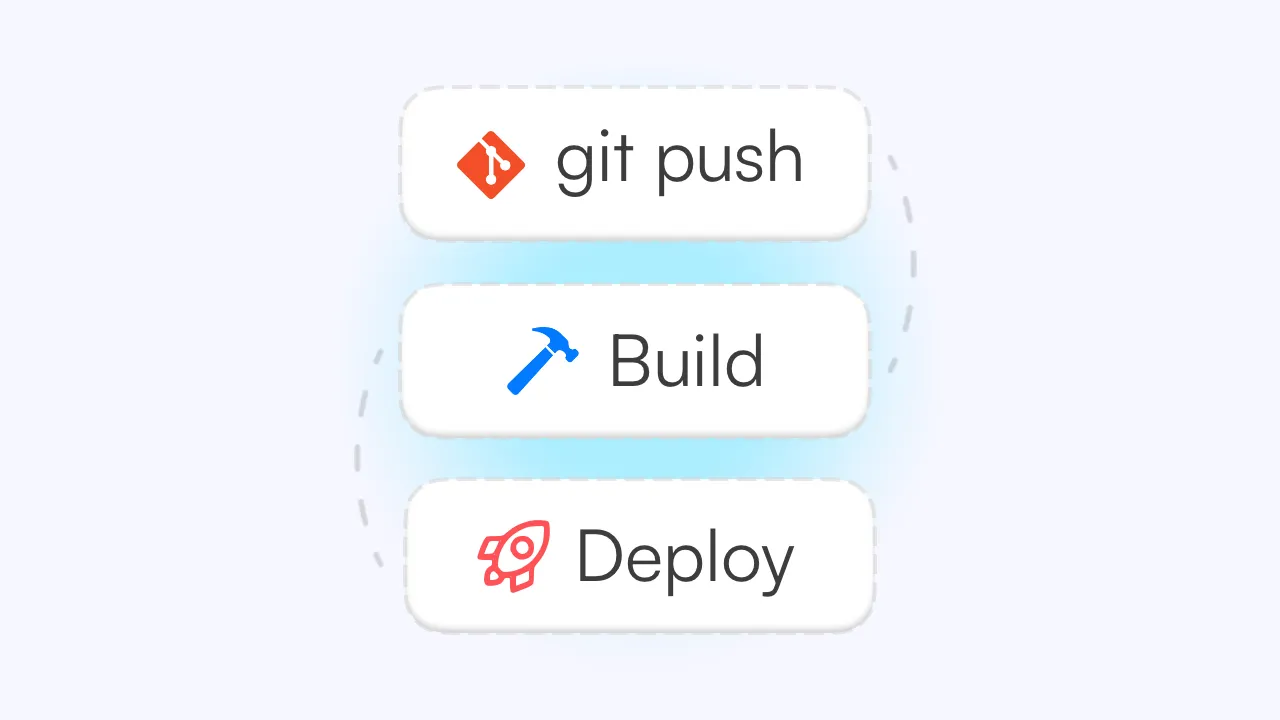
Push, build, and deploy
Chain a full release workflow into one gesture. Commit to Git, build the project, and draft a changelog automatically. Save ten minutes of app-switching.

Toggle Do Not Disturb
A simple one-line script toggles Focus mode on and off. Add it to your menu to control your focus mode from anywhere.
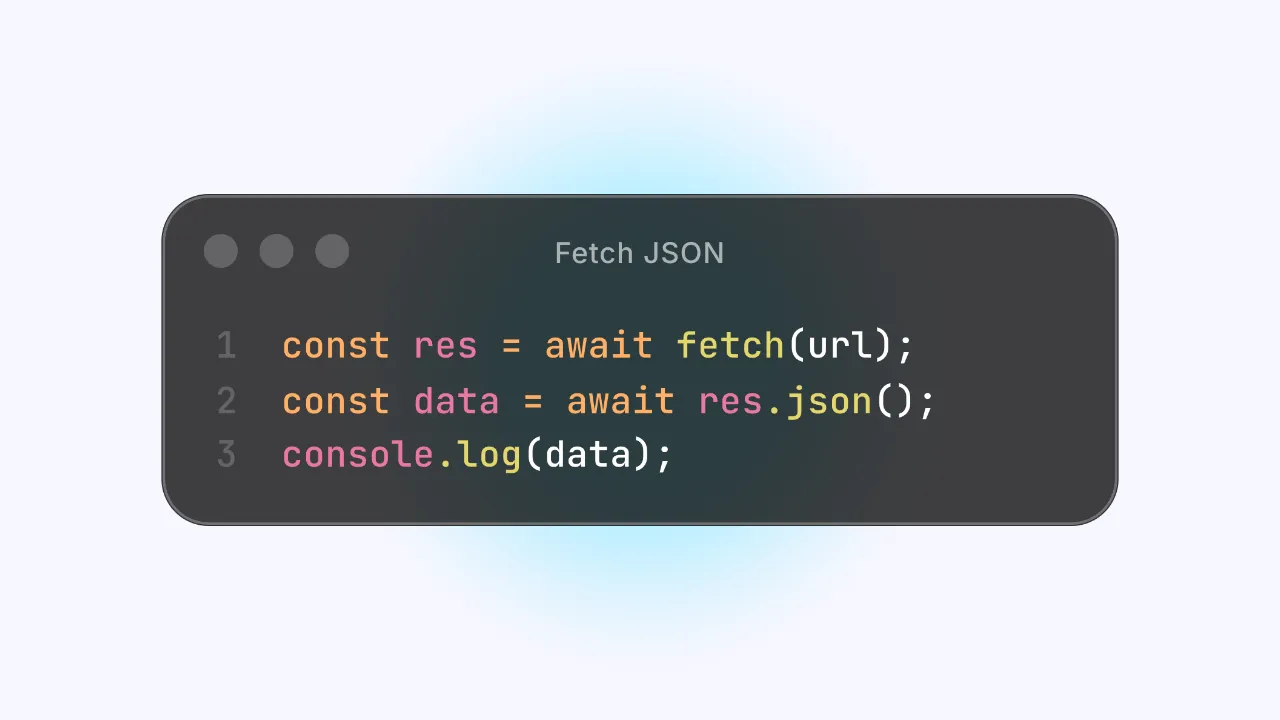
Insert code snippets
Console.log templates, try/catch blocks, React boilerplate and more. Save any code snippet once and for instant access in the future.

Control music
Play, pause, and skip tracks without ever switching apps or breaking your flow.
Build your own
Every shortcut on this page was built by a real user in just a few minutes. Open the editor, add actions, and create workflows that fit your needs.
10 examples — scroll to explore
Actions
Nine building blocks. Endless combinations.
Every macro in Radial is made from one or more actions. Use them on their own, or chain them into multi-step workflows.
Insert Text
Stop typing the same thing twice.
Addresses, code blocks, or canned replies. Save any text once and insert it anywhere with a gesture. Use dynamic variables and custom prompts to auto-fill the blanks instantly.
Open URL
Jump straight to any destination.
Open apps, files, folders, URLs, or deep links, all from your menu. Your most-used destinations, always one gesture away.
Keyboard Shortcut
Forget the key combo. Just click.
Simulate any keyboard shortcut from your menu instead of remembering it. ⌘⇧4 for a screenshot, ⌃⌘Q to lock. Add the ones you need and trigger them visually.
Screenshot region
Run Script
Anything macOS can do, Radial can trigger.
Execute AppleScript or shell commands directly from your menu. Code it yourself or use the the built-in AI assistant to write the script for you. Describe what you need and AI handles the rest.
Chain Actions
Combine any of the above.
Stack multiple actions into a single macro that runs in sequence. Open a project folder, launch VS Code, start the dev server, and open the browser from one gesture.
What can Radial do?
Launch apps. Open files and folders. Manage windows. Insert text. Simulate keyboard shortcuts. Run system actions. Open URLs. Execute scripts. Chain them all together. Always tailored to the app in front of you.
Community
Ready-made presets.
Complete Radial menus built for specific apps. Install with one click, or publish your own for others to use.
Share your setup
Built something useful? Share it.
The best presets come from people who actually use the app every day. Package your favourite macros into a preset and let others install your entire setup in one click.
Set up your macros
Pick an app you know well and build up to 9 macros for it. Can be anything from simple shortcuts to time-saving scripts and new features.
Use it, refine it
Use with your setup for a bit. Remove what feels redundant or goes unused, add what's missing. A good preset should feel like its part of your daily workflow and make you more productive.
Publish it
Select Share from the Menu Content page. Your entire menu goes live on the presets store for anyone to install with one click.
Pricing
Pay once, use forever.
One price. No subscription. No feature gates. Every update included.
Includes a 7-day free trial with full access. No credit card required.
Students and existing AppVerge customers get 30% off at appverge.net/store
App details
Secure checkout
Powered by Stripe
Ready to get started?
Save 40+ hours
every year.
A few well-built shortcuts in Radial saves most people 10 to 15 minutes a day. Try it free for 7 days and feel the difference before you spend a cent.
macOS 15+ · €14.99 one-time · No subscription