
Your creative time shouldn't be spent clicking menus
You didn't become a designer to navigate the same dialogs 50 times a day. Radial turns those repetitive sequences into instant actions.





7-day free trial • One-time purchase
Your creative time
shouldn't be
spent
clicking menus
You didn't become a designer to navigate the same dialogs 50 times a day.
Radial turns those repetitive sequences into instant actions. Export workflows, adjustment presets, batch operations. All available in one gesture, right at your cursor.
 Download for Mac
That 7-step workflow? Now it's one.
Export routines, color presets, mockup setups. Turn your multi-step tasks into single actions. Press a key, pick from the menu, done.
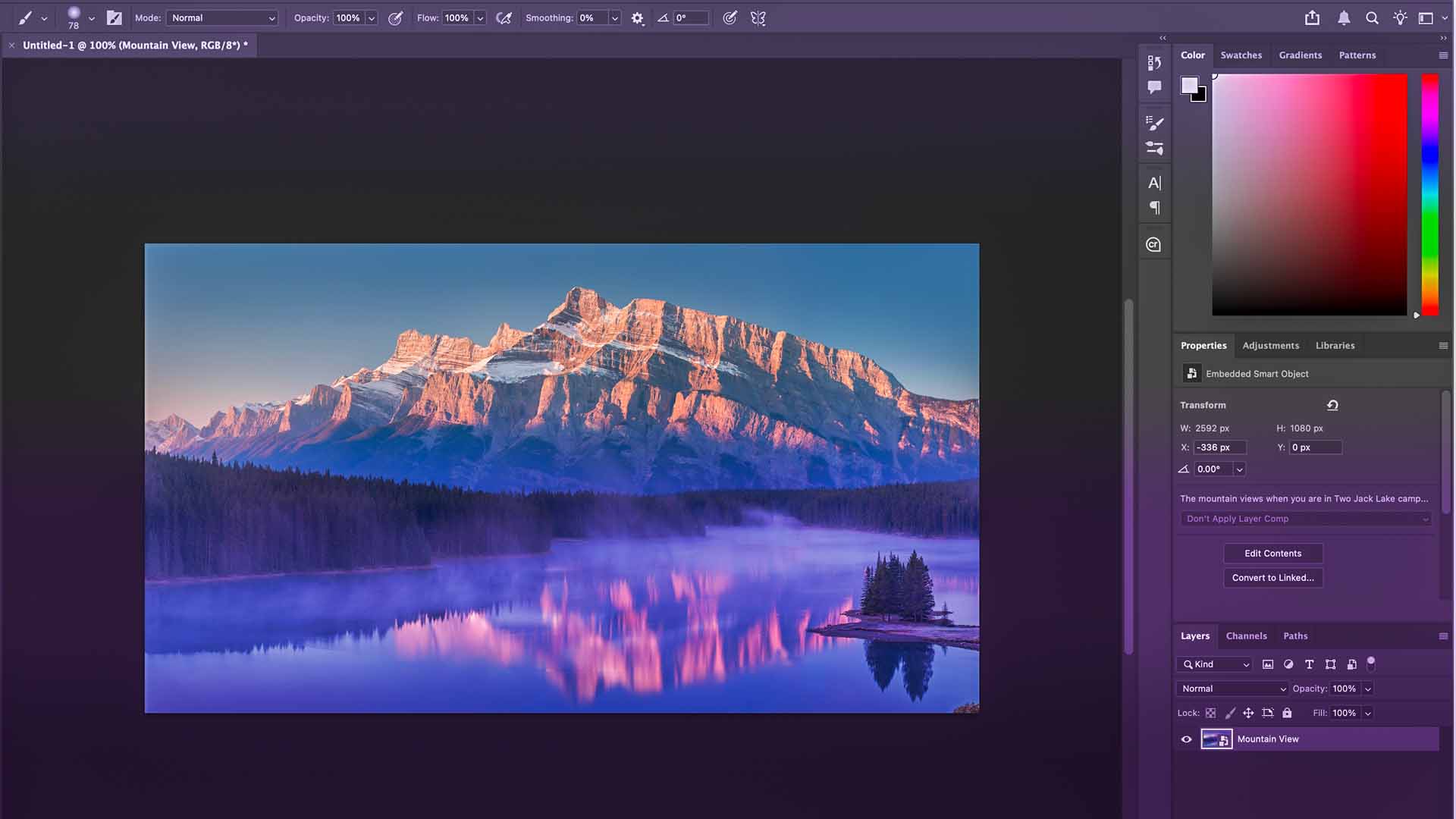
Press a key, select your action, done
The menu appears at your cursor with the actions you've saved for Photoshop. Pick one and keep working. No hunting through menus or remembering which keyboard shortcut does what.

One step or twenty steps
An action can be as simple as opening a dialog or as complex as your entire export workflow. Flatten layers, apply sharpening, save as web-optimized PNG, all in one trigger.
Your Photoshop actions stay in Photoshop
Switch to Illustrator and you'll see your Illustrator actions. Switch to Figma and you'll see Figma actions. The menu adapts to what you're working on.
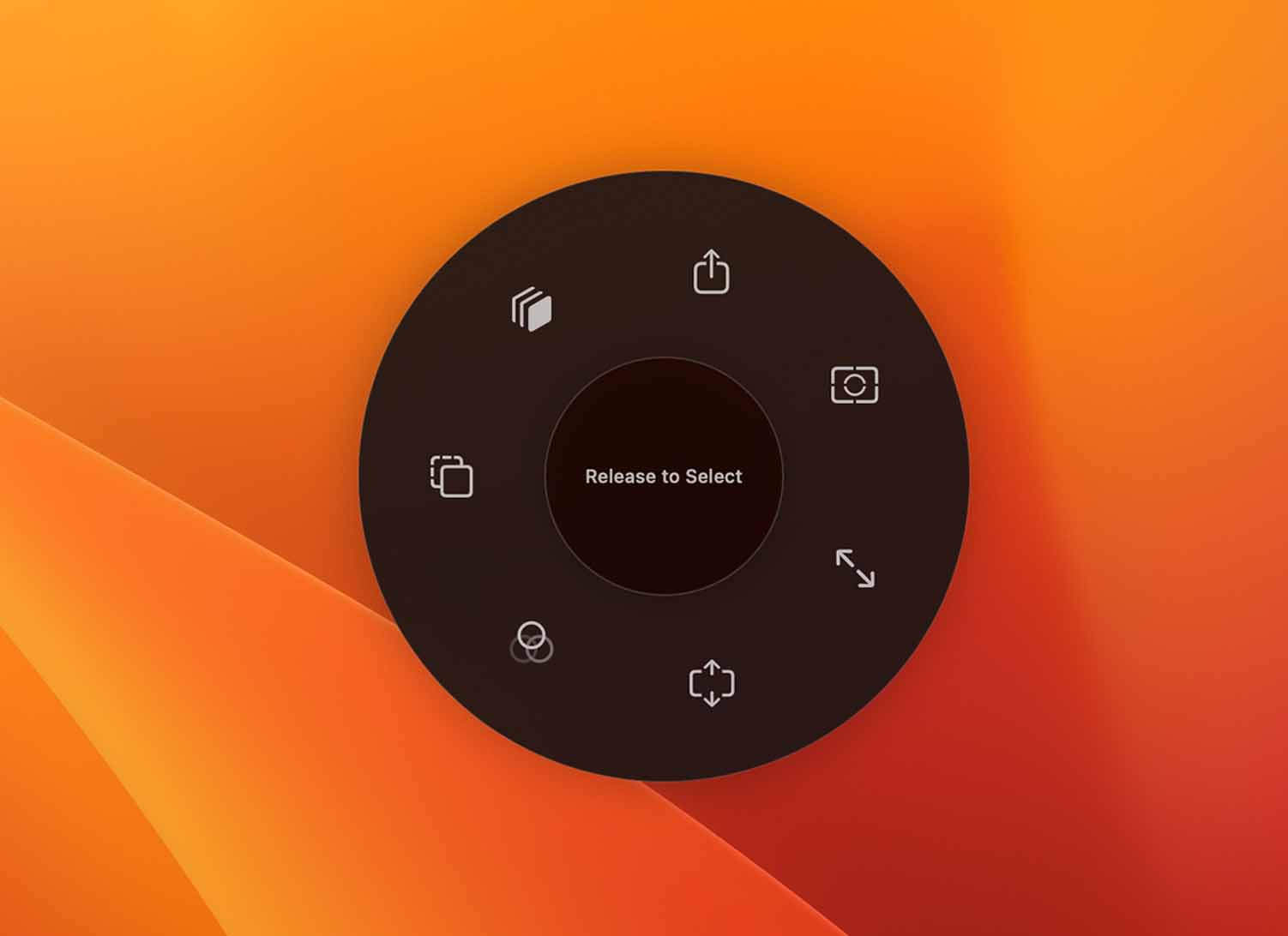
Radial isn't just for creatives
The idea is simple. You group a few steps into an action, then trigger it when you need it. That works in Photoshop, but it also works everywhere on macOS.
Developers
- Run build scripts and tests
- Deploy to production
- Open project folders
Video editors
- Export with preset settings
- Apply effect sequences
- Batch process files
Everyone else
- Launch frequent apps
- Move files to folders
- Insert text snippets
If you can describe a repeated task as a short sequence of steps, it can usually become an action in Radial.
Learn More