
Radial vs Launchy:
App Launcher vs All-in-One Automation
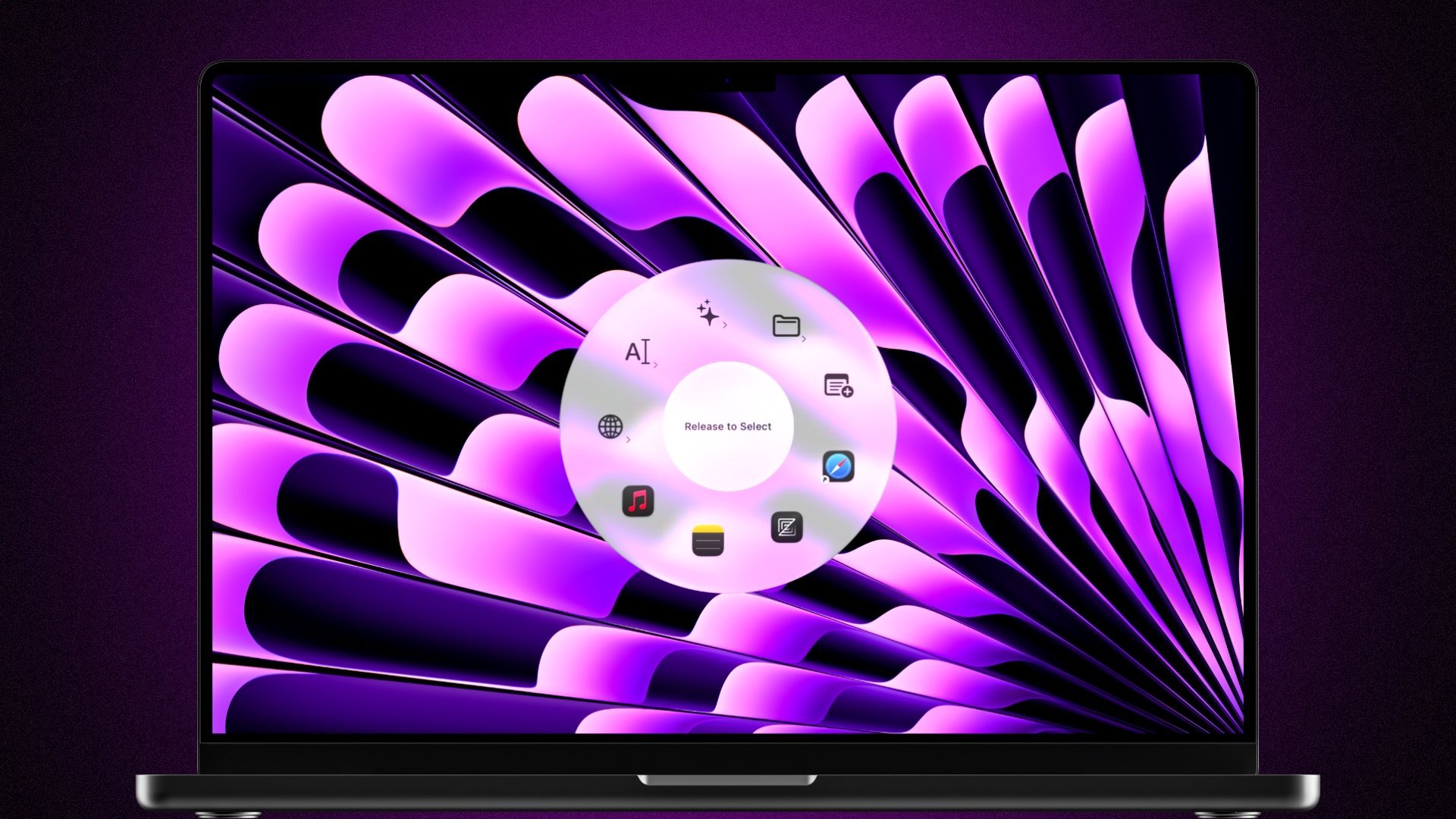
Both use a radial pie menu. But Launchy is built for one thing — launching and switching apps. Radial goes far beyond: websites, text snippets, sub-menus, multi-step workflows, scripts, Apple Shortcuts, and context-aware menus.
 Download for Mac
macOS 15+ · 7-day free trial · One-time purchase
What is Launchy?
Launchy is a macOS app launcher and switcher that uses a radial menu interface. It's designed as a faster alternative to the Dock and CMD+Tab, letting you launch predefined apps, switch between running apps, and open files and folders from a visual pie menu. It does its job well, but its scope is intentionally limited to application management. Radial, on the other hand does all of this too, but goes far beyond with websites, text snippets, sub-menus, multi-step workflows, scripts, Apple Shortcuts, context-aware menus and much more.
Radial vs Launchy: Feature Comparison
A side-by-side look at what each app can do.
Why People Switch from Launchy to Radial
Here are the most common reasons users make the switch.
Apps Are Just the Beginning
Launchy does one thing well: launching and switching apps. Radial does that too, but then goes far beyond. Open websites, insert text snippets, trigger keyboard shortcuts, run scripts, control system settings, and execute multi-step automations. All from one radial menu.
Visual Macro Editor
Radial includes a full workflow builder where you chain actions together. Open your morning apps, arrange windows, run a shell script, insert a template, all with a single menu press. Launchy has no automation capabilities beyond launching a single app.
Sub-Menus for Unlimited Actions
Launchy shows a flat ring of app icons. Radial supports nested sub-menus, so you can organize dozens of shortcuts without clutter. Have a sub-menu specifically for websites, folders, text snippets, all one gesture away.
Context-Aware Menus
Radial automatically shows different menus depending on which app you have focused. Your Finder shortcuts remain in Finder, your code snippets in VS Code, your design tools in Figma and Photoshop. Launchy always shows the same app palette regardless of context.
Text Snippets & Bookmarks
Radial lets you insert text snippets and open URLs directly from the menu. Paste an email signature, open your project's dashboard, or launch a specific Notion page instantly. These actions don't exist in Launchy.
Scripts & Apple Shortcuts
Run shell scripts, AppleScripts, and full Apple Shortcuts automations directly from Radial. Launchy is limited to opening applications and files. If your workflow involves any multi-step actions or automation, Radial is in a different league.
What Users Say About Radial
Real feedback from the Radial community.
“I've used a couple of other radial menus in the past and found that Radial is far more powerful than expected. I can easily see this fitting into and in some areas hugely improving the way I do things on a daily basis. Other solutions sometimes felt like they were getting in the way a bit whereas Radial seems far snappier, yet more capable in every way. Well done!”
The Verdict
Launchy and Radial share the same visual idea: a radial menu triggered by a shortcut — but serve completely different purposes. If all you need is a quick way to launch and switch between your most-used apps, Launchy is a solid, focused tool. But if you want to replace multiple productivity tools with one: launching apps, opening websites, inserting text snippets, running automations, triggering scripts, and having menus that adapt to your current app, Radial is the clear winner.
Frequently Asked Questions
How is Radial different from Launchy?
Both use a radial menu interface, but their scope is very different. Launchy is focused on launching and switching apps, meant to be a faster alternative to the Dock and CMD+Tab. Radial is a full workflow automation tool. In addition to launching apps, Radial supports text snippets, websites, sub-menus, context-aware menus, multi-step macros, shell scripts, AppleScript, Apple Shortcuts, and system controls.
Can Radial replace Launchy?
Yes. Everything Launchy does — launching apps, opening files and folders, and showing a radial menu — Radial also does. On top of that, Radial adds a macro editor, sub-menus, context-aware menus, text snippets, website shortcuts, and scripting support.
Which is better for automation — Launchy or Radial?
Radial by a large margin. Launchy has no automation features — it opens apps and files. Radial includes a visual macro editor where you can build multi-step workflows, run scripts, trigger Apple Shortcuts, simulate keyboard shortcuts, insert text, and chain any combination of actions together.
Do both apps use a pie menu?
Yes, both Launchy and Radial present a circular radial (pie) menu when triggered. The key difference is what those menus can do. Launchy's menu contains app icons. Radial's menu can contain apps, websites, text snippets, folders, custom shortcuts, scripts, sub-menus, and multi-step automations.
Ready to switch?
See for yourself why
people switch to Radial.
Download Radial and get a free 7-day trial. No credit card needed. Decide for yourself whether it beats Launchy.
macOS 15+ · €19.99 one-time · No subscription