
Context-Aware Menus · macOS
Different apps,
different menus.
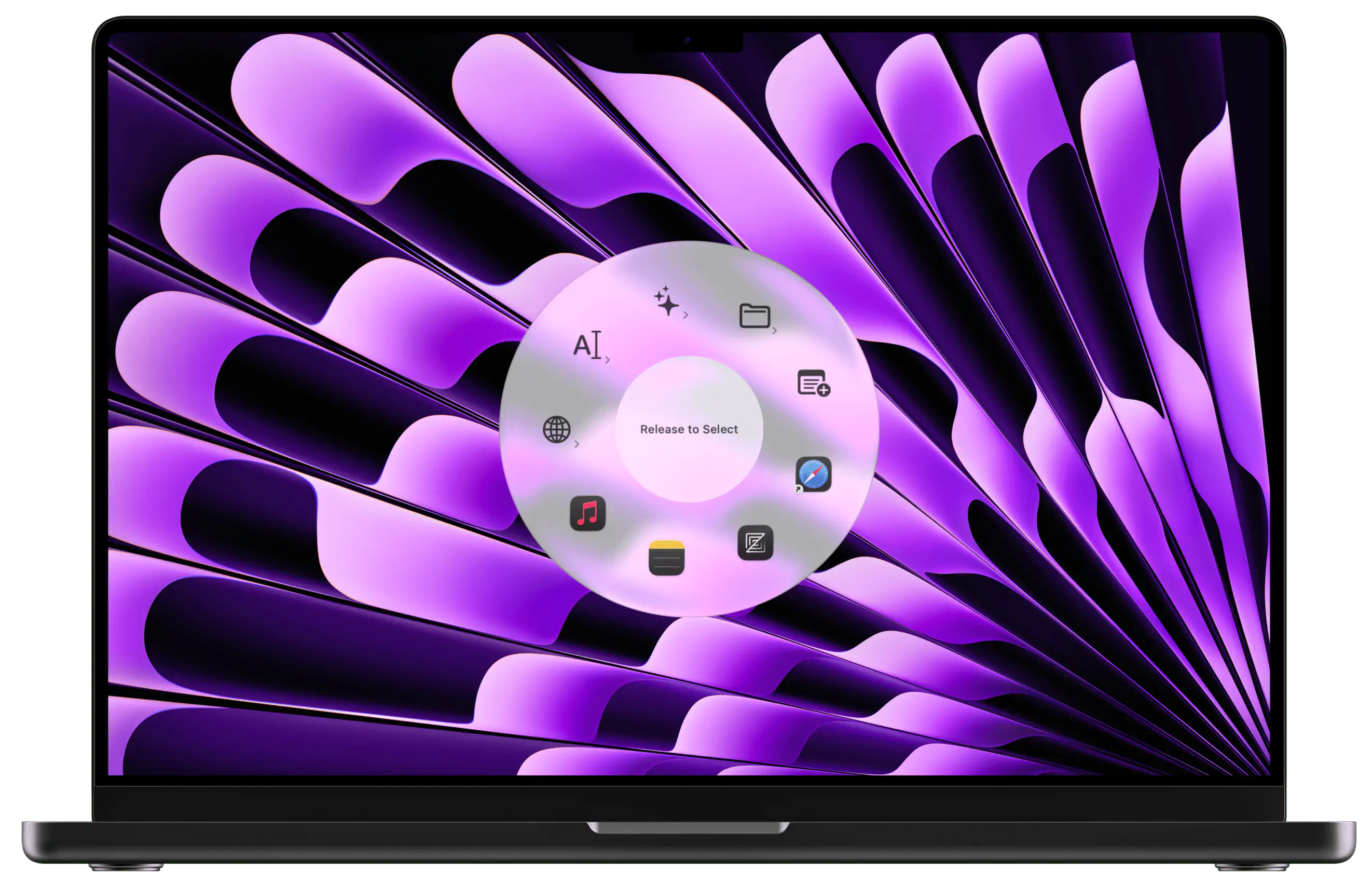
Radial detects which app is active and shows the right shortcuts and actions automatically. Photoshop tools in Photoshop, bookmarks in your browser, and anything you want anywhere else.
 Download for Mac
macOS 15+ · 7-day free trial · One-time purchase
One hotkey, infinite menus
Press the same hotkey in every app.
What appears depends on where you are.
You do not need a different hotkey for every app. You do not need to remember which key opens which menu. One key, pressed anywhere. Radial reads which app is in the foreground and shows the right menu automatically.
Switch apps and the menu switches with you. Your muscle memory stays the same no matter where you are working.
How it works
Every app gets its own menu.
Photoshop
Brush tools, layer shortcuts, transform, merge, export. Everything a designer reaches for, without touching the toolbar.
Figma
Auto layout, create component, inspect, export, zoom to fit. Your most-used actions in a circle, one flick away.
Safari & Chrome
Bookmarks, frequently visited pages, tab shortcuts, and any web tools you open repeatedly throughout the day.
Canned replies, email signatures, follow-up templates, and any text you find yourself typing over and over.
Global menus
Some things should be available everywhere.
App launchers, system shortcuts, frequently used files. Not everything belongs to a single app. Some actions are useful no matter what you are doing.
Mark any menu as global and it stays available in every context. Your per-app menus handle the specialized work. Your global menus handle everything else. Both live on the same hotkey.
Grows with your workflow.
Start with one or two apps you use every day. Add more as you settle into new tools. Pick up a new design app, start using a different browser, switch to a new email client. Each one gets its own menu whenever you are ready to set it up.
No upfront planning required. Just menus that appear when you need them.
Ready to get started?
Save 150+ hours
every year.
A few well-built shortcuts in Radial saves most people 15 to 30 minutes a day. Try it free for 7 days and feel the difference before you spend a cent.
macOS 15+ · €19.99 one-time · No subscription