
Automation & Workflows · macOS
Automate anything.
No coding required.
Build multi-step workflows with a visual editor and trigger them with a single gesture. Open apps, tile windows, send keystrokes, paste text, run Apple Shortcuts. Chain as many steps as you need.
 Download for Mac
macOS 15+ · 7-day free trial · One-time purchase
The problem
Some tasks never change.
You still do them by hand every time.
Every morning: open Slack, open your project tool, tile the windows, set your status. Every time you start a meeting: mute notifications, open your notes app, switch to the right account. Every time you wrap up: close the clutter, save your files, set yourself to away.
These are not complicated tasks. They just happen over and over, always the same way, taking a few minutes each time. The frustrating thing is that you already know exactly what needs to happen. You just have to keep doing it yourself.
Visual workflow builder
Build workflows by adding steps.
No code. No scripts.
Open the macro editor and add actions one by one. Open an app, wait a moment, press a shortcut, paste some text. Each step is a block you can reorder or remove. When the sequence looks right, save it to your radial menu.
Press the hotkey and watch every step run automatically, in order. What used to take two minutes of clicking now happens in two seconds.
Real workflows
Things people automate on day one.
Each of these is a single item in a Radial menu. One gesture to run it.
Morning startup
Open Mail, Slack, and your project tool. Tile them side by side. Set your Slack status to Working. Start a focus timer.
Push, build, and deploy
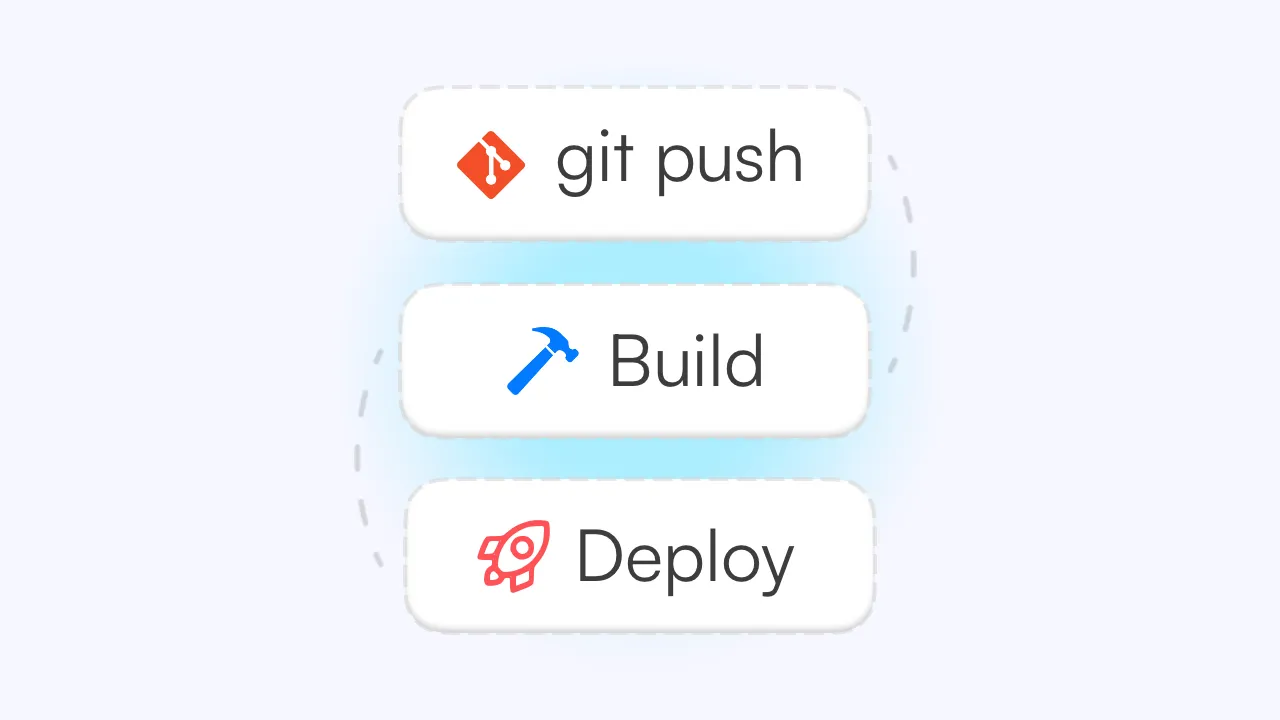
Chain a full release workflow into one gesture. Commit to Git, build the project, and draft a changelog automatically.
Compress images
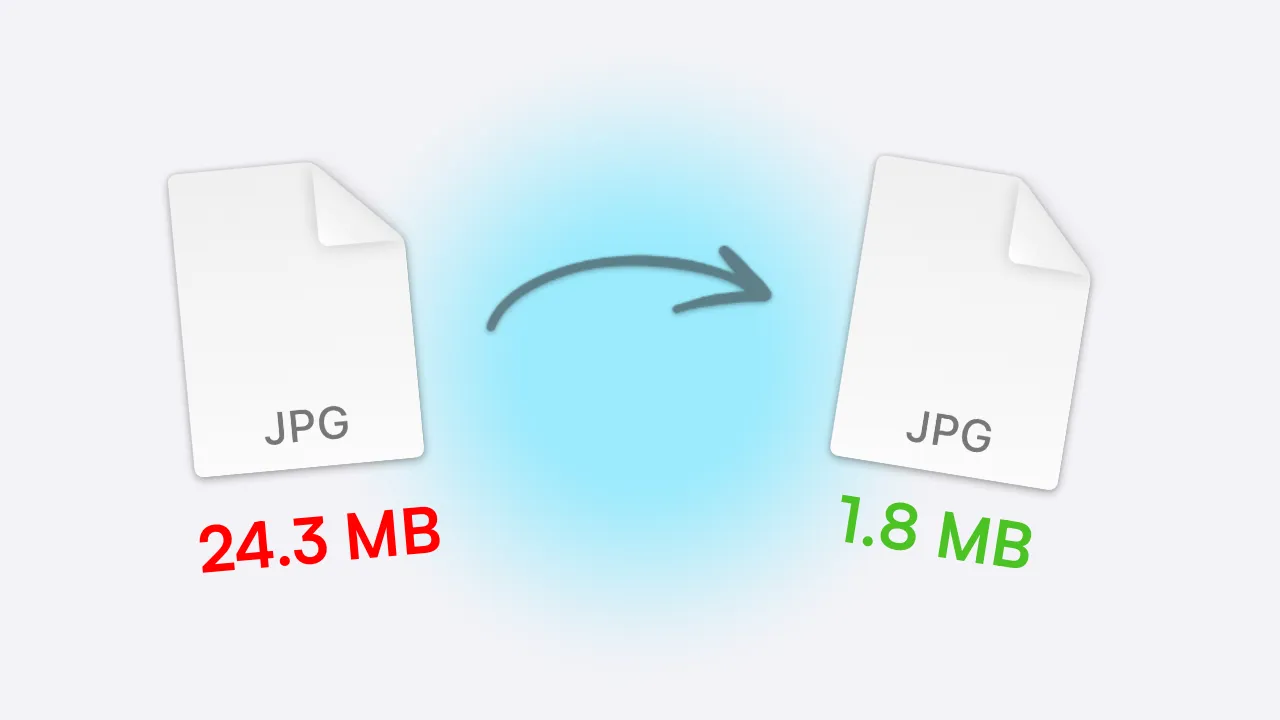
Compress large files with one click. Select files in Finder and pick the action from Radial. Done.

Focus mode
Close everything except your main tool, enable Do Not Disturb, and open a full-screen writing or work view.
What you can automate
Mix and match any actions in one workflow.
Every action type works together in the same macro. There are no walls between them.
Open apps & websites
Launch any app or open a URL as part of a sequence.
Send keyboard shortcuts
Trigger any key combination in any app, hands-free.
Paste saved text
Insert email templates, canned replies, or any saved text at your cursor.
Run Apple Shortcuts
Trigger any Shortcut you have built, including smart home, calendar, and system actions.
Tile & arrange windows
Position your windows exactly how you want them as part of any workflow.
Wait between steps
Add pauses so apps have time to load before the next action runs.
Start small
One macro at a time.
Start with your morning routine. Run it for a week and notice how much friction disappears from the start of your day. Then add one for your end-of-day wrap-up. Then one for switching into meetings.
Every time you catch yourself doing the same sequence of things, that is a candidate for a macro. Over time, the repetitive parts of your day start to disappear.
No rush. No learning curve. Just one task at a time, automated.
Ready to get started?
Save 150+ hours
every year.
A few well-built shortcuts in Radial saves most people 15 to 30 minutes a day. Try it free for 7 days and feel the difference before you spend a cent.
macOS 15+ · €19.99 one-time · No subscription