Using the AI Assistant
Let AI help you create macros when you're not sure how to build them.
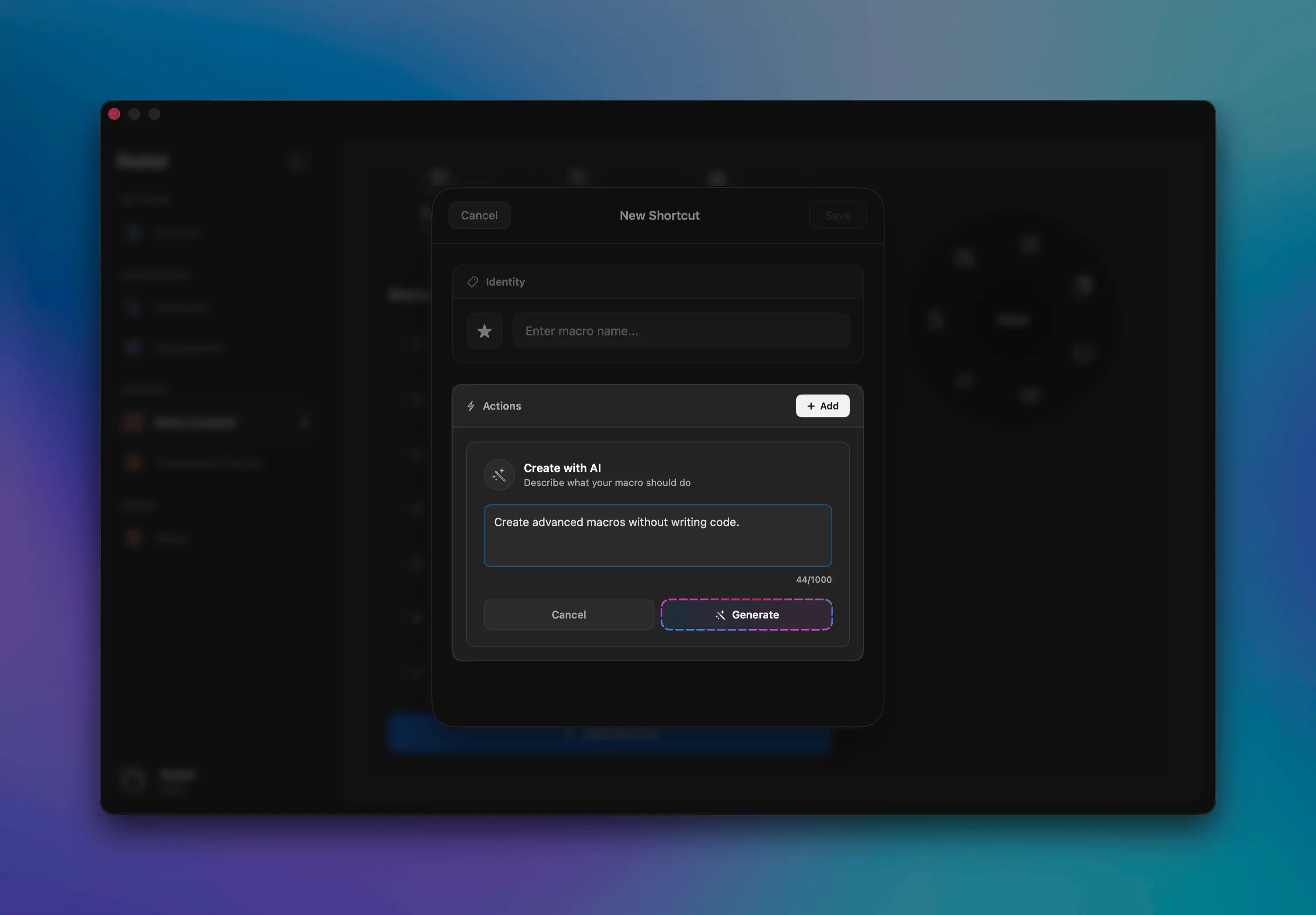
What is the AI Assistant?
Radial includes a built-in AI assistant that can help you create macros. Describe what you want to automate, and the assistant will use AppleScript to create the macro.
When to Use It
The AI assistant is helpful when you:
- Know what you want to automate but aren't sure how to do so
- Want to create a complex macro and need a starting point
- Are learning Radial and want to see examples
- Need ideas for how to accomplish a specific task
How to Access It
- Open Radial settings
- Navigate to Menu Content, select which app to save the macro to, and press Add Shortcut
- Click Create with AI
- Describe what you want to automate
How to Describe Your Task
Be specific about what you want to accomplish:
Good descriptions:
- "Create a macro that opens Safari and navigates to GitHub."
- "Create a macro that asks me for a project name using a popup window, then creates a new folder with that name in ~/Projects and opens it in Finder."
- "Create a macro to empty the macOS trash."
Less helpful descriptions:
- "Make something for Photoshop"
- "Help with email"
- "Create a macro"
The more detail you provide, the better the suggestions.
Tips for Better Results
Be specific about apps — Mention which application the macro should work in.
Include desired outcomes — Describe what should happen at the end.
Mention keyboard shortcuts — If you know relevant shortcuts, include them.
Specify file locations — Give exact paths if relevant.
Describe the full workflow — Include all steps from start to finish.
Limitations
The AI assistant:
- Can make mistakes: It's not perfect and sometimes gets code wrong.
- Doesn't know every app: It might guess commands that don't work. Check the AppleScript Dictionary to be sure.
- Can't see your stuff: It has no access to your private files, folders, or settings.
Always test and double-check AI scripts before you use them.
Privacy
When you use the AI assistant:
- Your request is sent to Groq's AI service using Meta's Llama-3.1 model.
- Groq processes it solely for the response; they do not retain, log, or use it for training.
- No personal data is collected beyond your anonymized request. See Groq's Privacy Policy.